
Managing Discounts
Create and manage discount codes and promotional offers.
Discounts are a powerful way to attract customers, boost sales, and reward loyalty. Shopper provides flexible discount options for your marketing campaigns.
Overview
The Discounts section allows you to:
- Create discount codes
- Limit a discount code to one zone
- Define discount rules and conditions
- Track discount usage
- Schedule promotional periods
Accessing Discounts
Click on Discounts in the sidebar to access discount management.
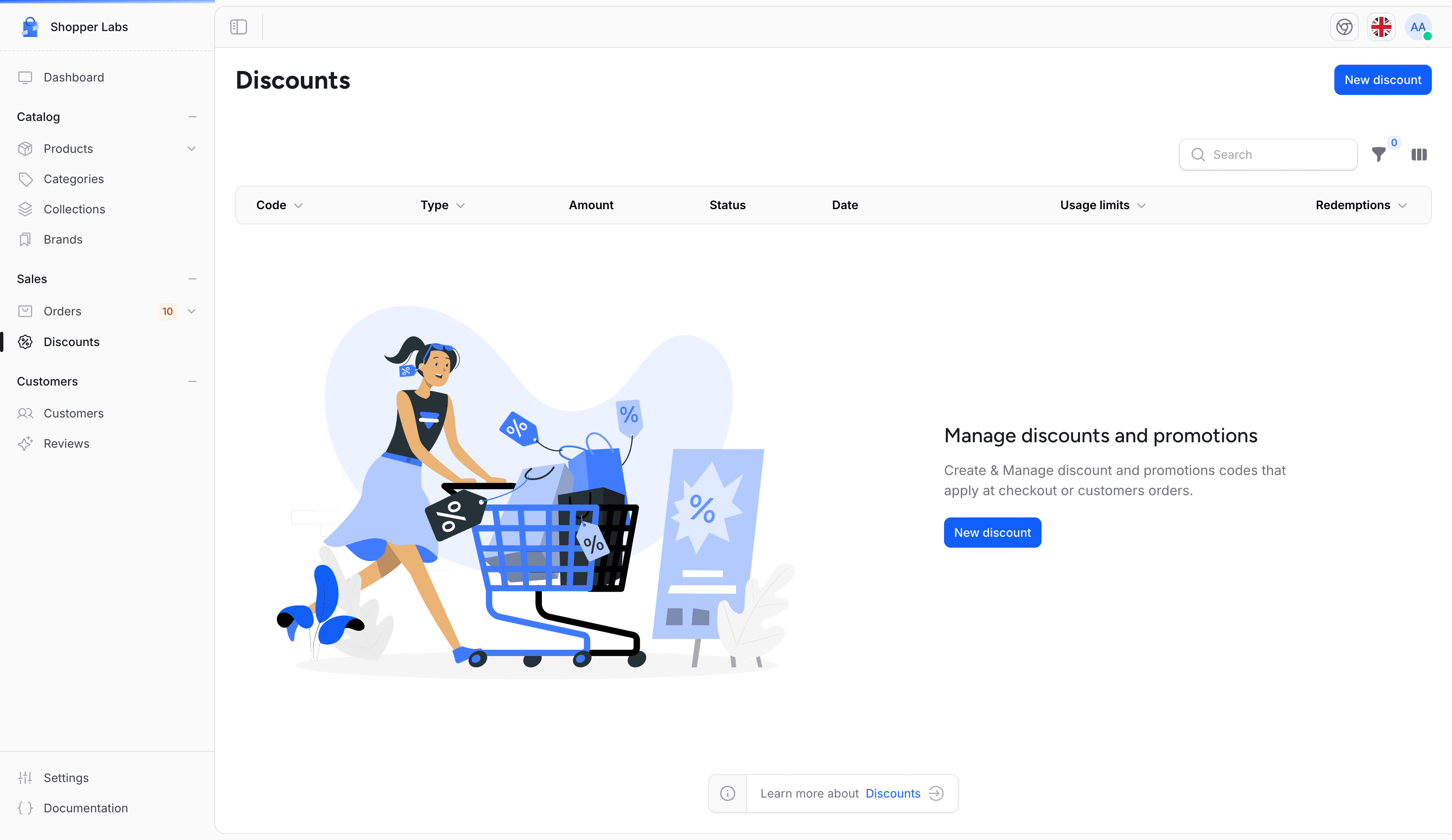
Empty State
If you haven't created any discounts yet:
Creating a Discount
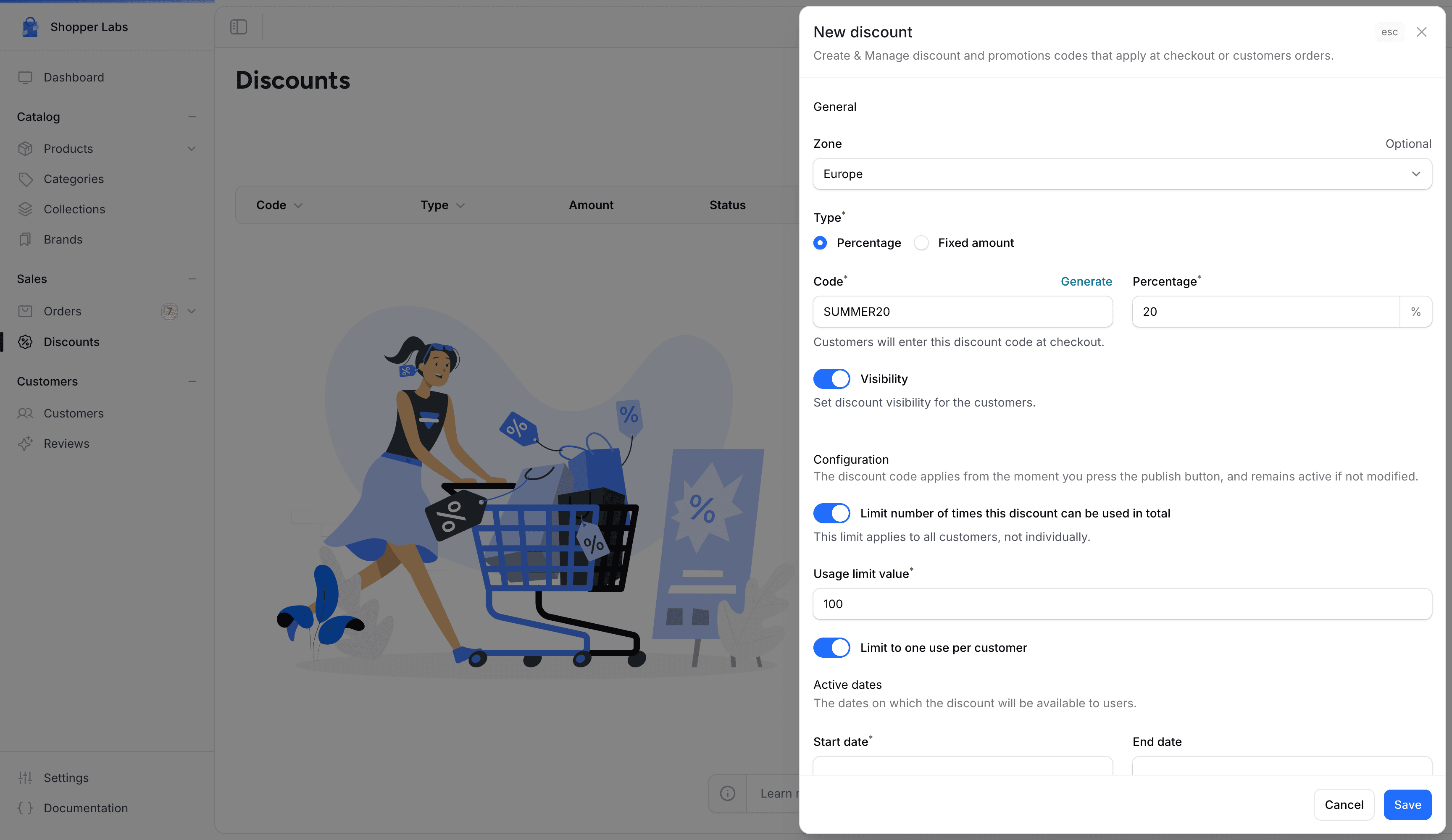
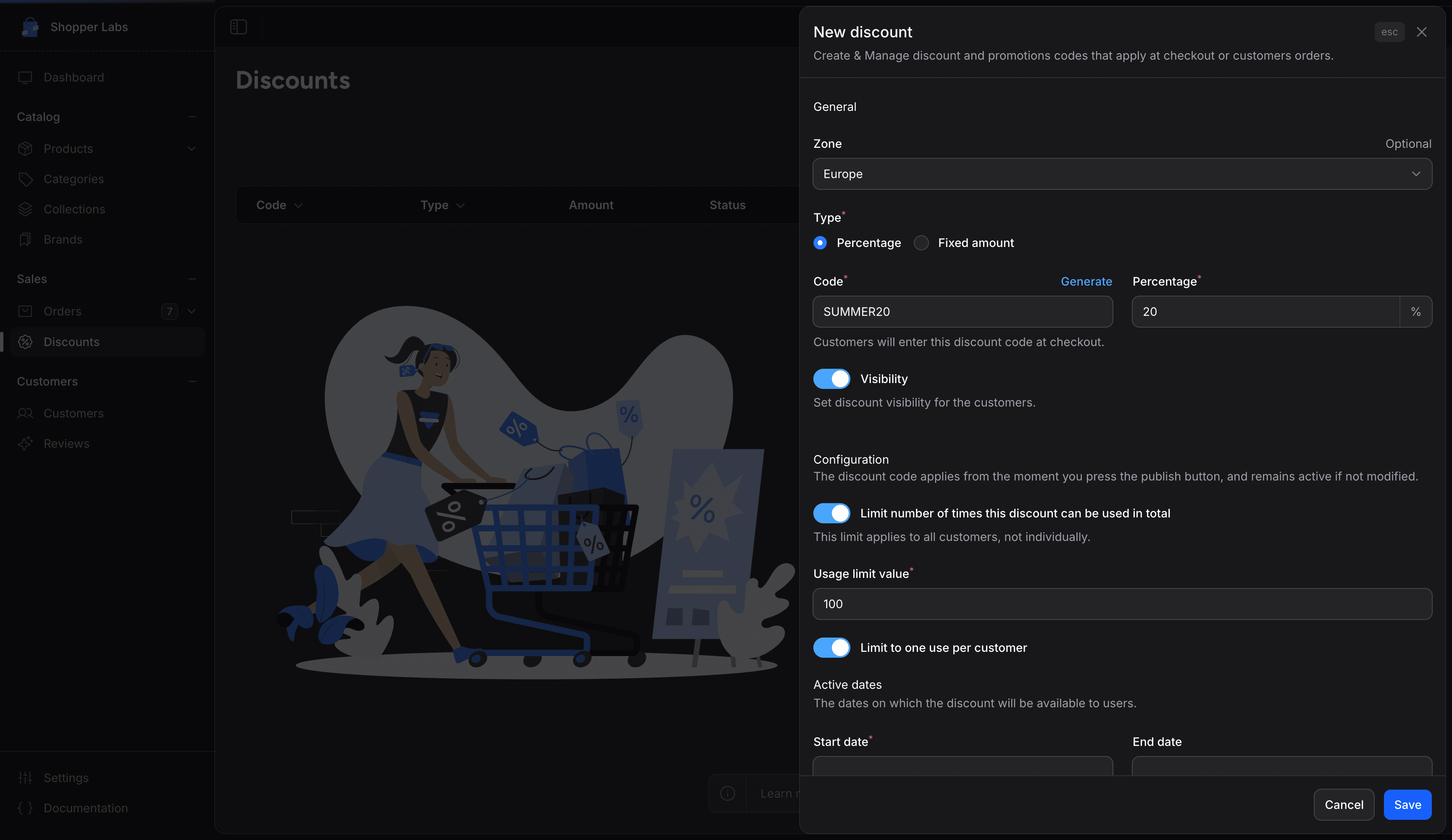
To create a new discount:
- Click the New discount button
- Choose the zone, the type, the code and the value
- Set the usage limits and the Active dates
- Set the Conditions: what the code applies to, who can use it and the minimum requirements
- Click Save
Discount Types
| Type | Description | Example |
|---|---|---|
| Percentage | Discount as a percentage | 20% off |
| Fixed amount | Specific amount off | $10 off |
There is no free shipping discount type. To offer free delivery, add a delivery option with a price of 0 in the zone (see Setting Up Delivery Options).
Discount Configuration
| Field | Description |
|---|---|
| Zone | Optional. Limits the code to one zone. A fixed amount is then in the zone's currency. |
| Type | Percentage or Fixed amount |
| Code | The code customers enter at checkout (e.g., SUMMER20). Must be unique. Click Generate to create a random code. |
| Percentage or Fixed amount | The discount value: from 1 to 100 for a percentage, at least 0.01 for a fixed amount |
| Visibility | Turn on to make the code usable at checkout. A code with Visibility off is ignored. |
| Applies To | Entire order or Specific products (see Product Restrictions) |
| Metadata | Extra key and value pairs your developer can use |
Discount Conditions
Set rules for when the discount can be used in the Conditions part of the form:
Minimum Requirements
Under Minimum requirements, choose one option, then enter the value:
| Condition | Example |
|---|---|
| None | No minimum |
| Minimum purchase amount | Order must be at least $50 |
| Minimum quantity of items | Cart must have at least 3 items |
Customer Eligibility
| Option | Description |
|---|---|
| Everyone | Anyone can use the discount |
| Specific customers | Only the customers you pick in Select customers |
Product Restrictions
Under Applies To, choose:
| Option | Description |
|---|---|
| Entire order | Applies to everything in the cart |
| Specific products | Only the products you pick in Select products |
To discount a whole collection or brand, pick its products in Select products.
Usage Limits
Control how the discount can be used:
| Limit | Description |
|---|---|
| Limit number of times this discount can be used in total | Turn on, then enter the maximum in Usage limit value. The limit counts uses by all customers together. |
| Limit to one use per customer | Each customer can use the code once |
A cart holds one discount code at a time: applying a new code replaces the previous one, so codes never add up.
Scheduling Discounts
Set active periods for your discounts:
- Start date - When the discount becomes active. Required, and it cannot be in the past.
- End date - When the discount expires. It must be on or after the start date.
- No end date - Leave End date empty and the discount runs indefinitely
Discount Strategies
Welcome Discount
Send new customers a code with Limit to one use per customer turned on, so each of them can use it once.
Seasonal Sales
Create time-limited discounts for holidays and seasons.
Cart Recovery
Check the Abandoned Carts list under Orders and send those customers an exclusive code yourself. Shopper does not send recovery emails.
Loyalty Rewards
Reward repeat customers with special discounts.
Best Practices
Use unique, memorable discount codes that are easy to type. Avoid confusing characters like 0/O or 1/l/I.
- Clear naming - Make codes descriptive (SUMMER2024, SAVE10)
- Set limits - Protect margins with usage limits
- Track performance - Monitor which discounts drive sales
- Create urgency - Use end dates to encourage quick action
- Test first - Always test discounts before promoting them
Common Discount Examples
| Campaign | Code | Type | Value |
|---|---|---|---|
| Welcome offer | WELCOME10 | Percentage | 10% off, one use per customer |
| Spend and save | SAVE10 | Fixed amount | $10 off orders over $50 |
| Flash sale | FLASH25 | Percentage | 25% off, 24 hours only |
| Holiday | HOLIDAY15 | Percentage | 15% off storewide |
For developer details, see the Discounts documentation.
Last updated on
Edit on GitHub