
Overview
Understand the different product types available and how to manage your catalog.
Products are the core of your e-commerce store. Shopper supports multiple product types to cover a wide range of selling scenarios, from physical goods to digital downloads and dropshipping.
Accessing Products
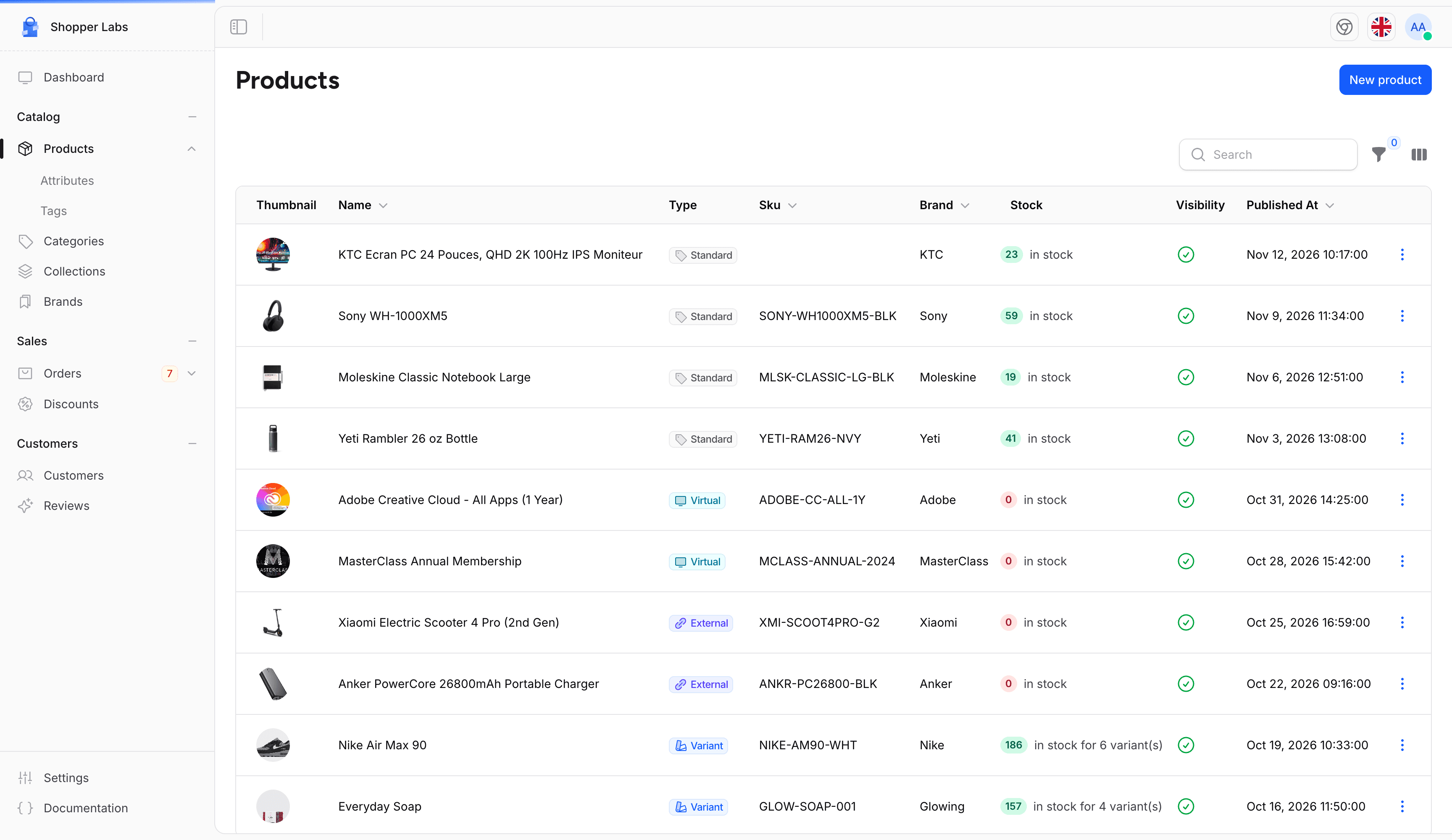
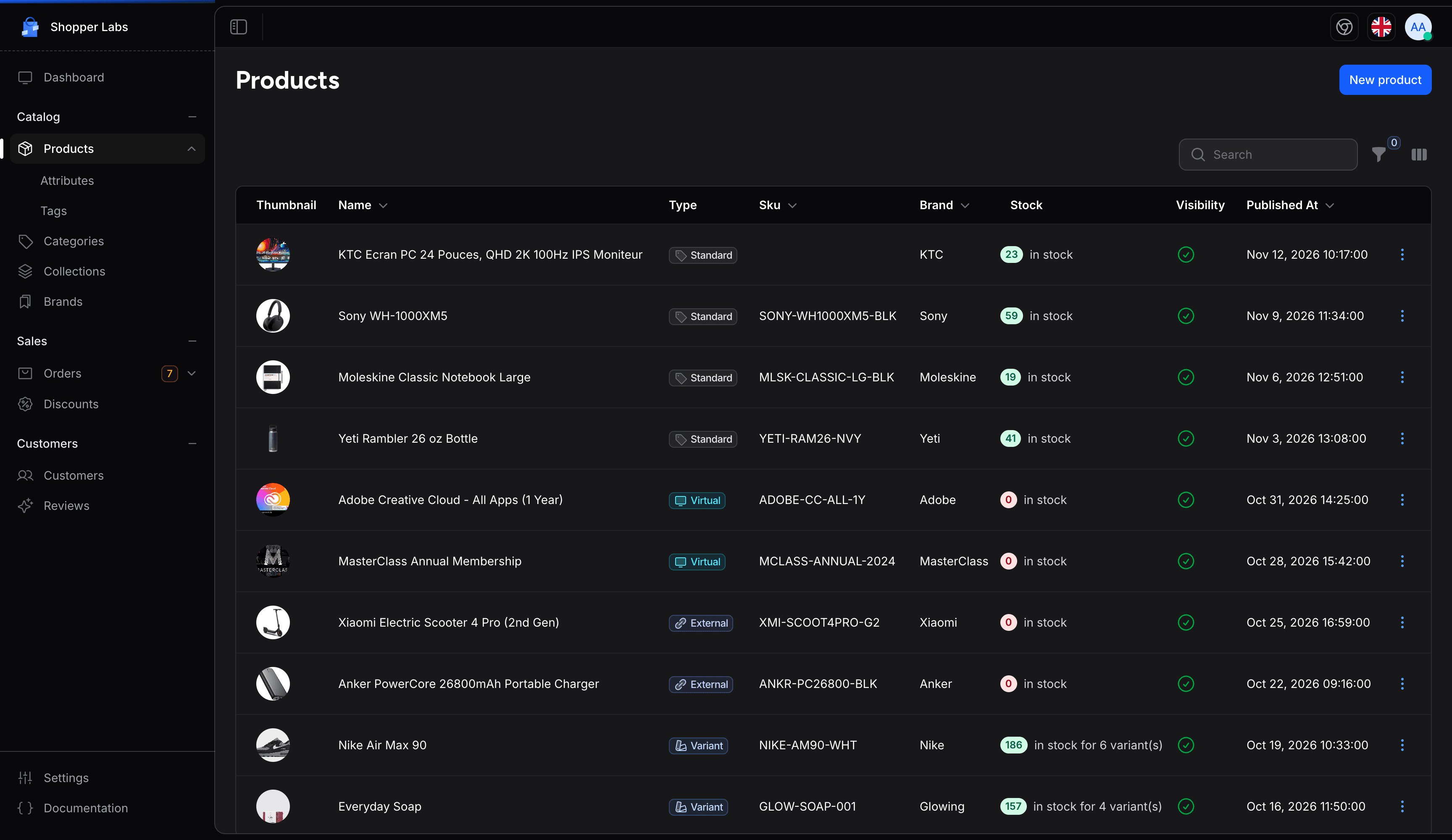
Click on Products in the sidebar to access the product management page. Here you can see all your products, filter by name, type, availability, or publication date, and quickly access any product for editing.
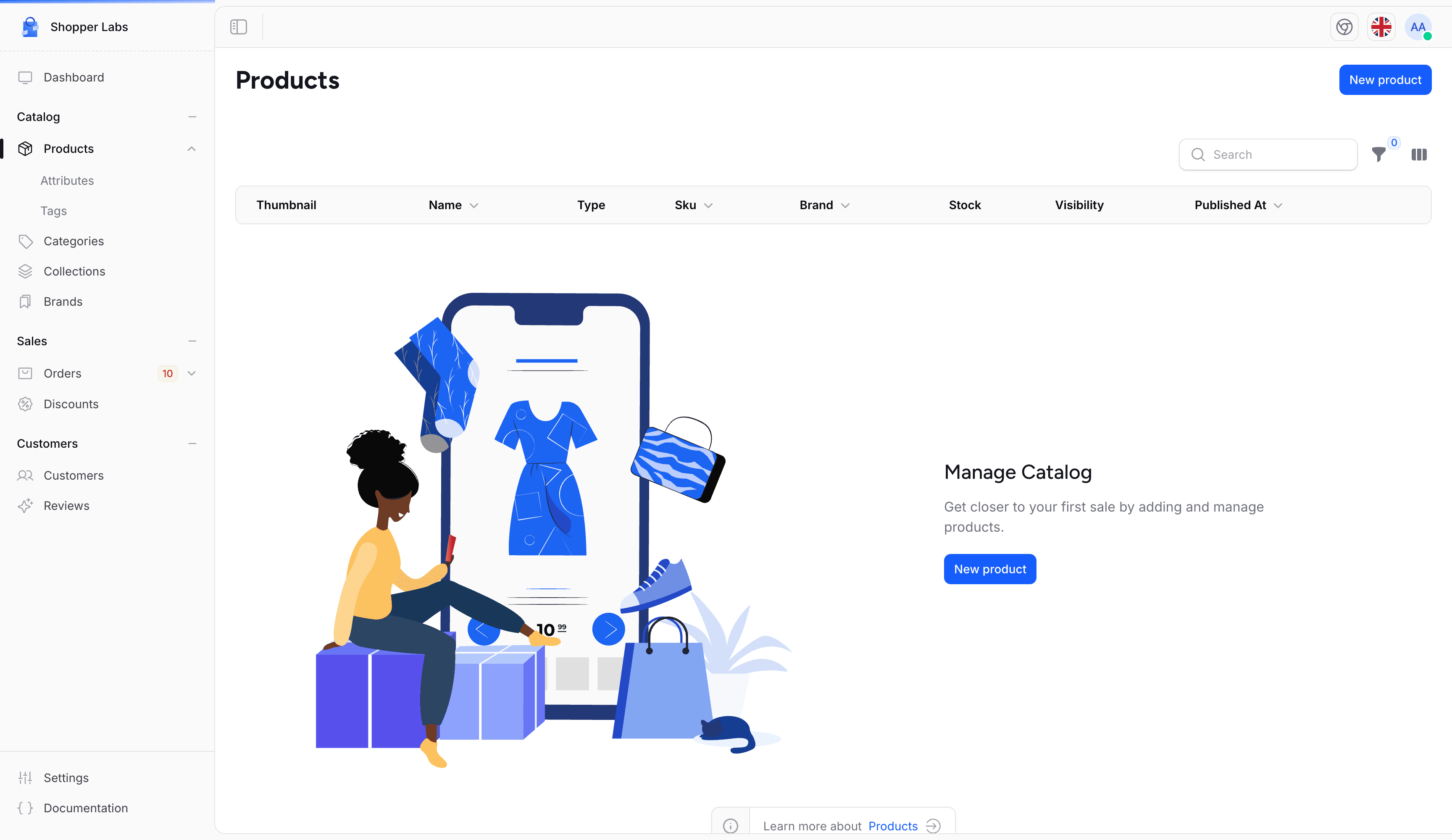
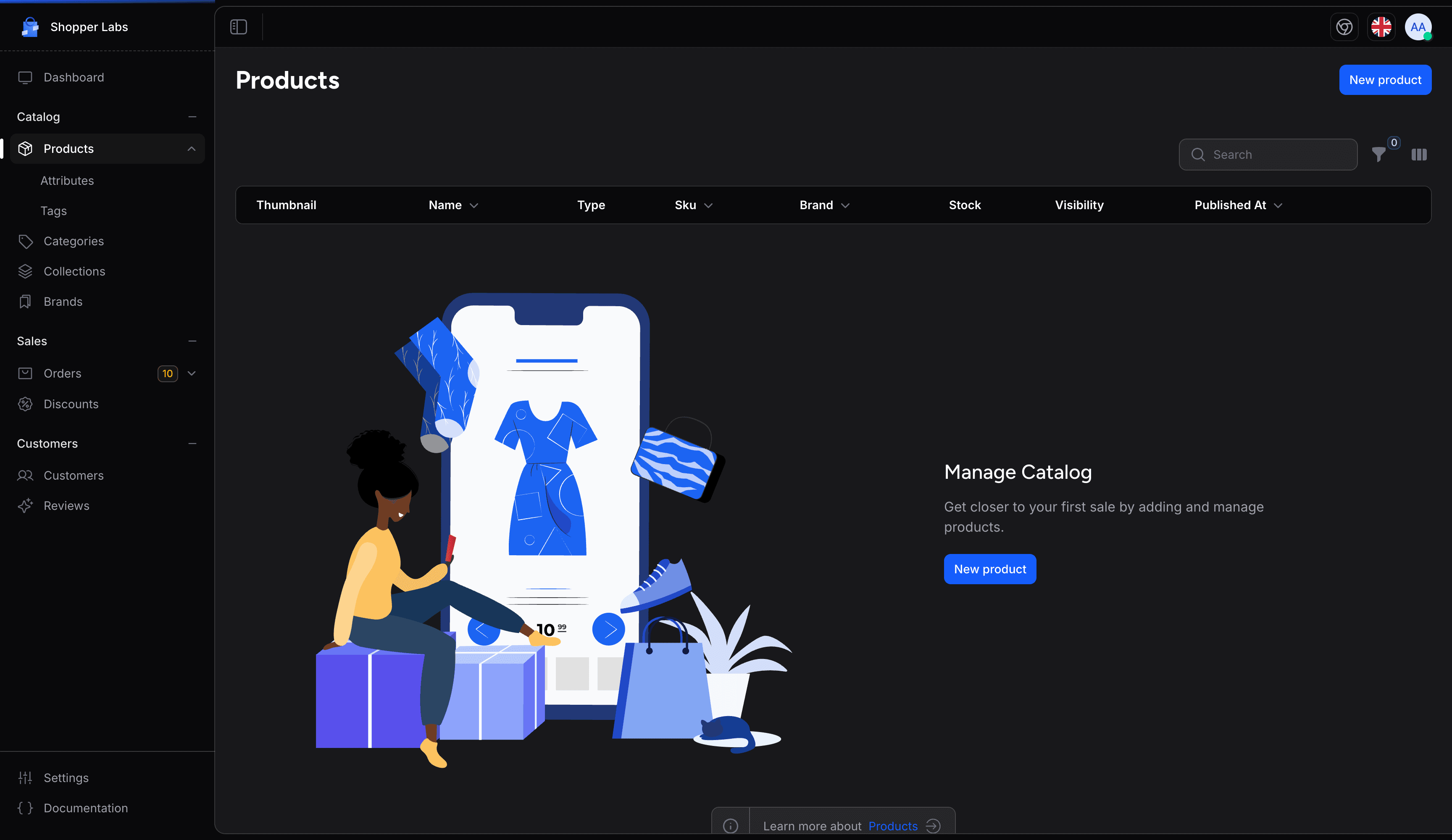
If you haven't created any products yet, you'll see an empty state with a button to create your first product.
Product Types
Shopper offers four product types, each designed for a specific selling scenario. When creating a product, you'll choose the type that best fits what you're selling.
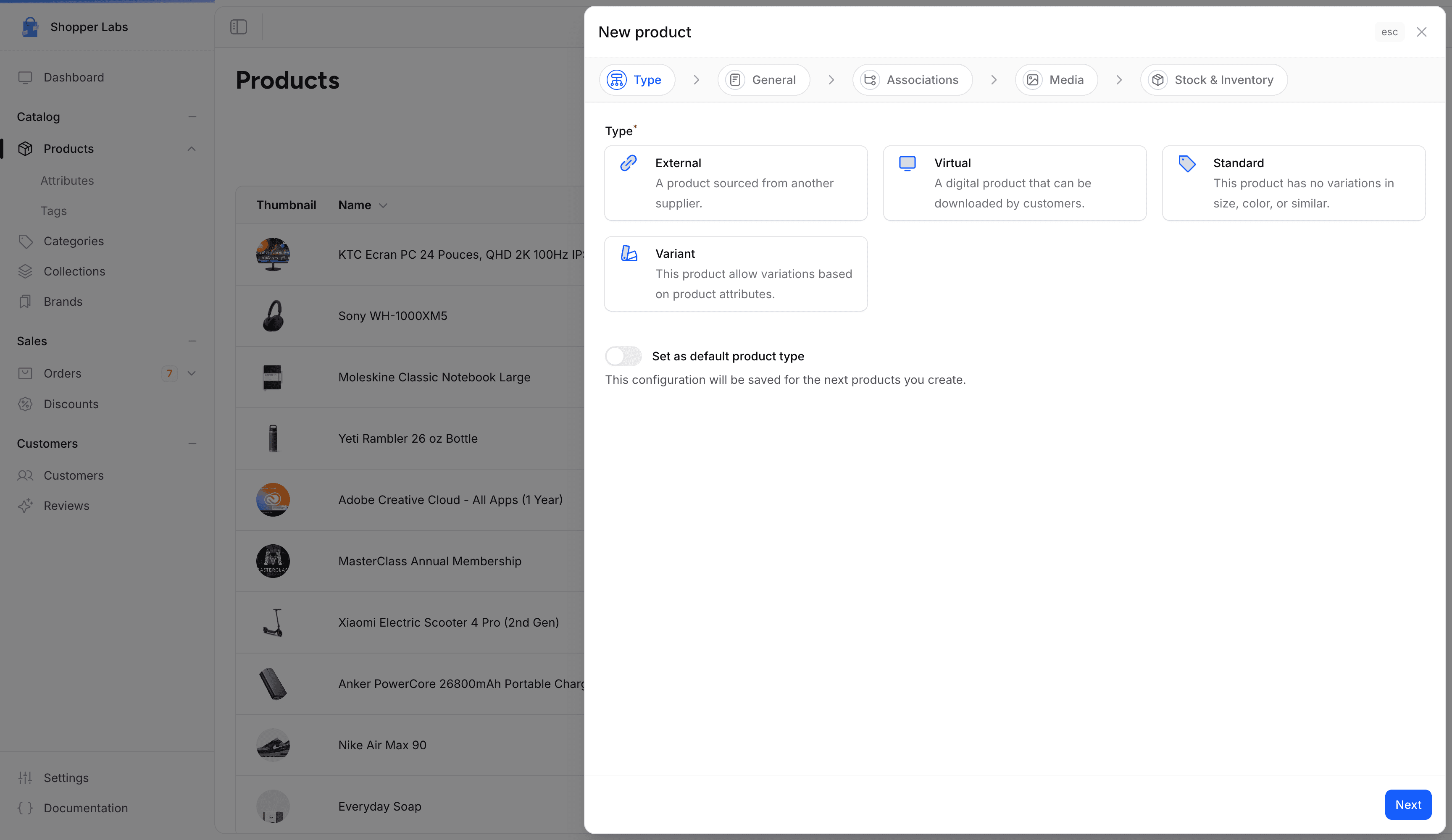
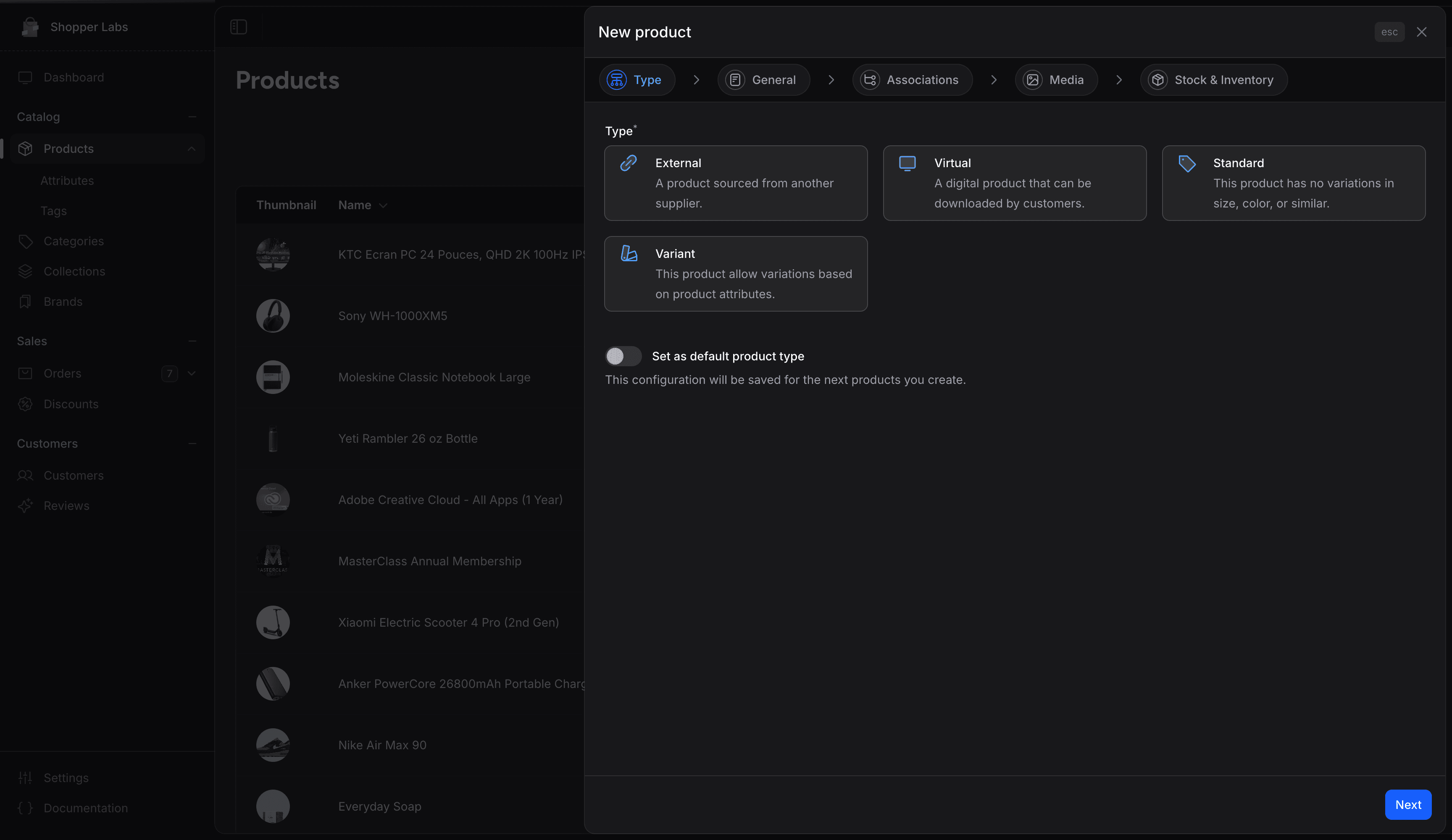
Choosing the Right Type
| What you're selling | Recommended type |
|---|---|
| Physical items you stock and ship yourself | Standard |
| Digital files (ebooks, music, software) | Virtual |
| Online courses or memberships | Virtual |
| Items shipped directly by a supplier | External (Dropshipping) |
| A t-shirt in multiple sizes and colors | Variant |
| A single unique handmade item | Standard |
| Affiliate products from another store | External (Dropshipping) |
| A phone case in 10 colors | Variant |
The product type is set during creation and cannot be changed afterward. Make sure to choose the correct type before proceeding.
Type Capabilities
Not all features are available for every product type. Here's what each type supports:
| Feature | Standard | Virtual | External | Variant |
|---|---|---|---|---|
| Shipping & dimensions | Yes | No | No | Yes |
| Inventory tracking | Yes | Yes | Yes | Yes (per variant) |
| Product attributes | Yes | Yes | No | Yes |
| Variants (size, color...) | No | No | No | Yes |
| Digital file downloads | No | Yes | No | No |
| Pricing | Yes | Yes | Yes | Yes (per variant) |
| SEO | Yes | Yes | Yes | Yes |
| Categories & collections | Yes | Yes | Yes | Yes |
| Related products | Yes | Yes | Yes | Yes |
| Media (images) | Yes | Yes | Yes | Yes |
What's Next?
For developer details, see the Products documentation.
Last updated on
Edit on GitHub